Detecting and fixing web performance cloaking
Some people cheat on web performance. How to detect cloaking and improve the experience of your real users.
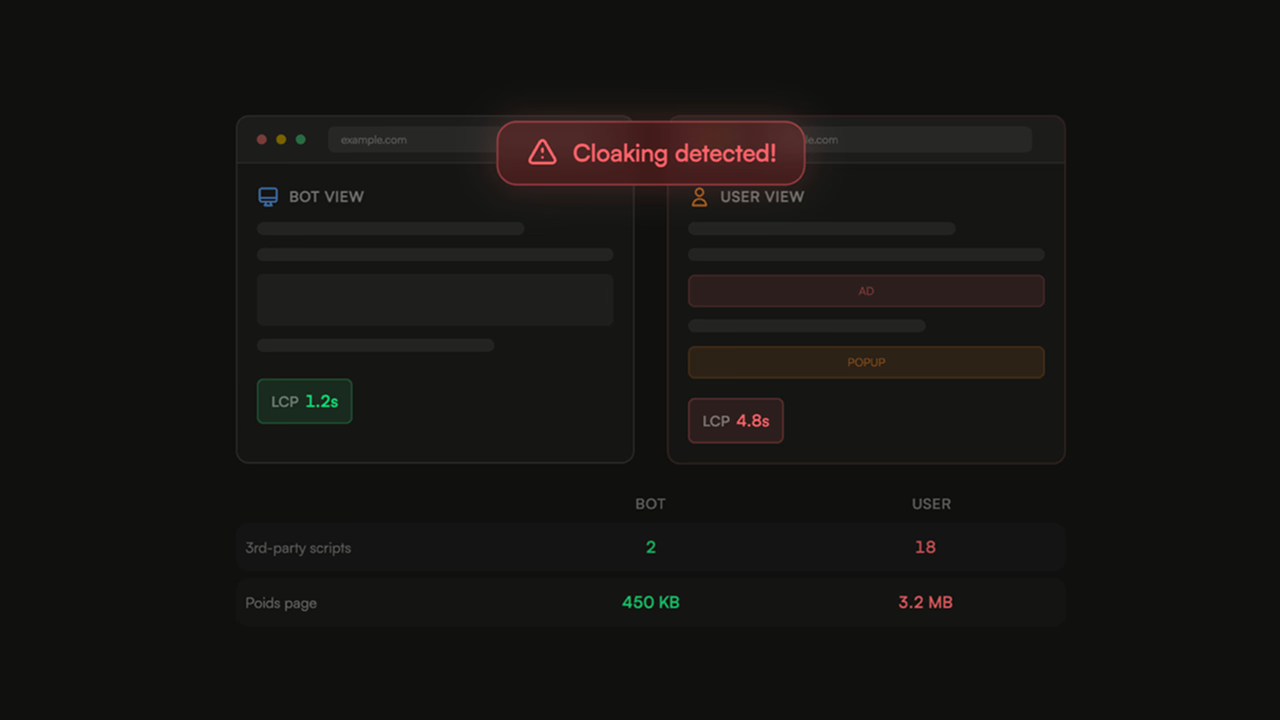
The arrival of Core Web Vitals has brought to light the deceptions of web agencies and some well-known CMS plugins like WordPress regarding Pagespeed scores. Shopify mentions that 15% of extensions offering one-click web performance optimizations in their store are based on cloaking mechanisms, aimed at artificially improving the Pagespeed or GTMetrix score without enhancing the experience of actual users of the site.
Why Do Agencies and Developers Cheat on Web Performance?
Tools like Google Pagespeed, GT Metrix (formerly Dareboost) allow any user to test the speed of a website. It is very common to see screenshots of scores above 90/100 on the social networks of agencies or developers (I am the first to share before/after screenshots on X when I optimize my clients' sites). Beyond the advertising generated, I see it as an aspect of evangelizing the interests of web performance.
The ease of obtaining a KPI through a simple scoring system like Google Pagespeed makes web performance optimization playful and quantifiable, but it also presents flaws. As Campbell's Law states, "the more a quantitative indicator is used as a decision-making aid in policy, the more likely it is to be manipulated and act as a distortion factor, thus skewing the processes it is supposed to monitor." Naturally, one can expect to see cheating methods emerge as soon as an indicator becomes important in the eyes of the public.
Rather than aiming for a green score on synthetic tools, the real objectives for working on web performance should focus on user experience and the governance of your information system, namely:
- Optimize server response times (to reduce infrastructure-related costs, improve response times for users, etc.).
- Speed up the loading time of the website (to reduce the amount of data needed to display the pages).
- Improve the availability of your website to avoid downtimes that can impact your SEO and the conversion of your paid campaigns.
Performance cloaking can be a significant problem for a company's online activity: it can prevent the detection of performance issues that are present on a slow website.
How to Know if Your Website is Affected?
Here is a simple method to determine if your website is likely cheating regarding its web performance results:
- Your web agency or developer sold you a site with a Pagespeed score > 90/100, and it was obtained sustainably, without adjustments as your site or online store evolved.
- The cost dedicated to web performance optimization is negligible; count at least €750 excluding tax for optimization of a WordPress site, and a dedicated budget of at least €750/month to optimize the web performance of an online store.
These criteria are subjective, but they can already give you an indication of the credibility of the person who sold you your website. Now, let's see how to actually detect cloaking in web performance:
- Run a Pagespeed Insights test on one of your site's pages, and look at the screenshots section. If the page does not resemble your site, it is certainly cloaked.
- Run a Lighthouse test in the Google Chrome developer tools, in incognito mode to avoid any score pollution from installed extensions.
- Compare the scores and screenshots between the two tests; if you notice significant differences (> 20 points), it is almost certain that your developer or agency has cheated to artificially improve the site's web performance.
Using Advanced Tools
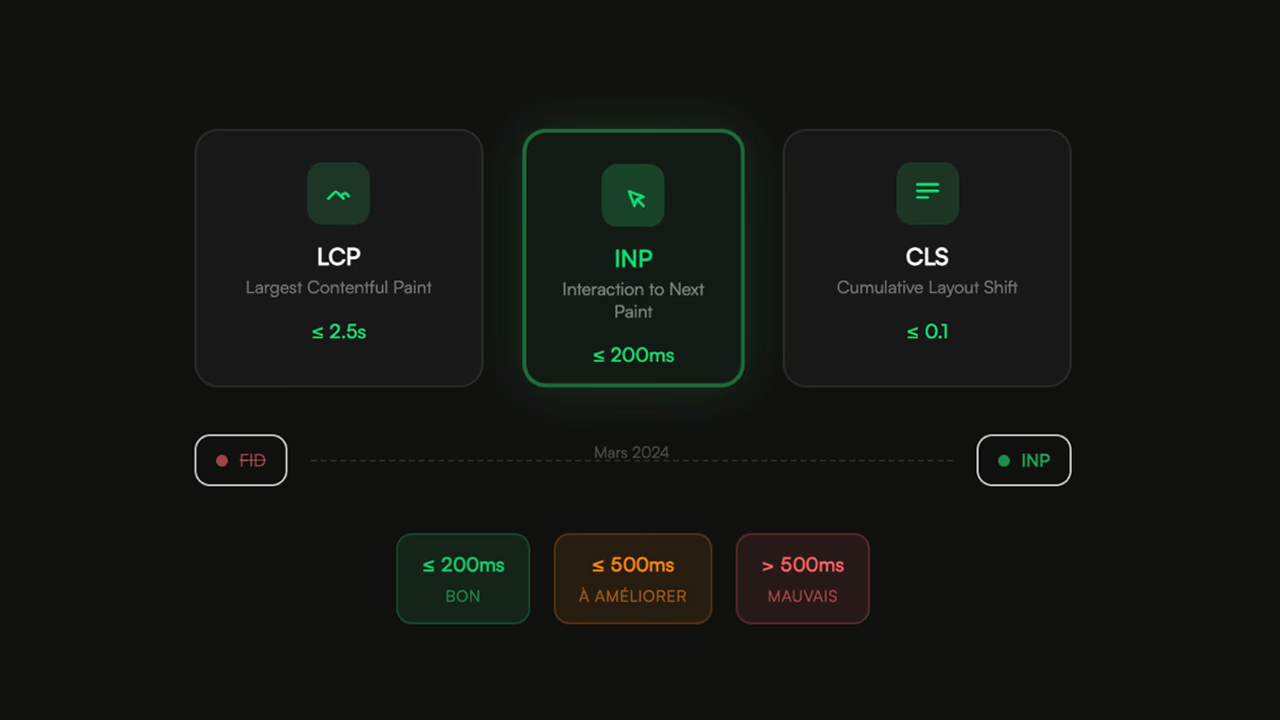
Since 2021, Google has understood the importance of not trusting synthetic scores, which is how Core Web Vitals were born, first on Desktop, then on Mobile. CWV are a set of performance criteria collected during sessions of real users on a website. By relying on real user data, Google ensures it has realistic data on the performance and experience of the sites it will recommend in its search algorithm.
Far from being stingy (for once), Google offers a web performance report in Google Search Console. It allows you to identify the overall performance of the website and highlights the slowest or least pleasant pages to use, in the form of page groupings. Core Web Vitals are a good tool for free Real User Monitoring, provided you have enough users on your website.
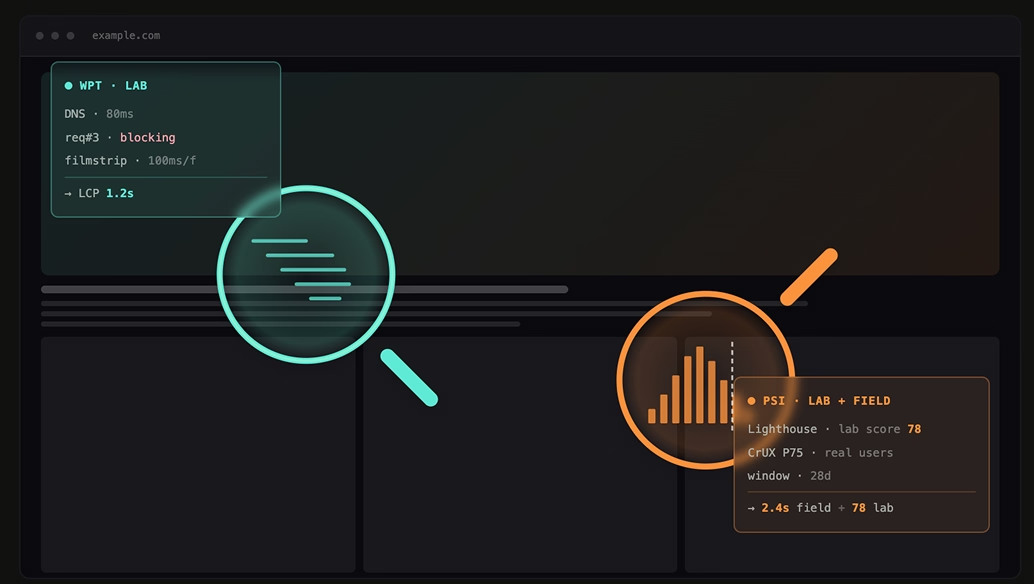
If your site does not have enough visitors, it is possible to use different tools such as Web Page Test or the Yellow Lab Tools performance and quality testing tool, which are generally not blocked by synthetic performance test detections.
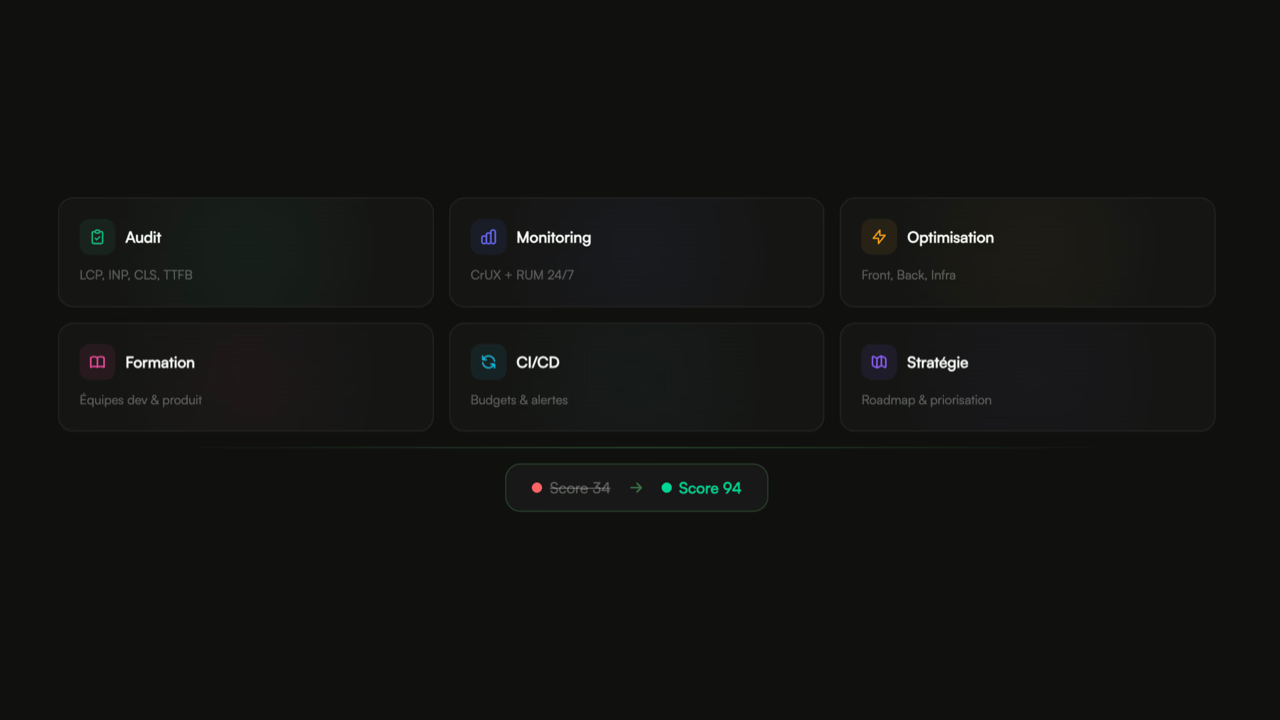
To go further, it is also possible to work on setting up web performance monitoring with the support of an expert or a web performance agency.
How to Remove Web Performance Cloaking Implemented on My Website?
Depending on the method used, it is more or less easy to identify and remove the cheating method used to artificially improve performance.
- On a CMS like WordPress, simply try to disable extensions that have "performance" or "cache" or "PSI" in their title. Check that your site functions correctly and then test the website's performance on Pagespeed Insight.
- If your site is custom-developed or built with another CMS, it is possible that the verification was done by a plugin or server-side code. It is more difficult to identify the code responsible for cloaking, but some patterns are common, such as detecting the User "Agent Chrome-Lighthouse".
How to Optimize the Web Performance of My Site?
Web performance is an expertise in web quality. It requires in-depth knowledge of how CDNs, browsers, server configuration, front-end/back-end development work, as well as mastery of monitoring tools and instrumentation of server-side executed code. It is recommended to consult a recognized web performance expert to genuinely work on optimizing the web performance perceived by your users.
For my part, I have worked for major accounts such as the insurance group April, for which I optimized the WordPress site of the Moto branch by helping them pass the Core Web Vitals. I have also worked for a major luxury brand that I assisted in optimizing both front-end and back-end web performance.
Remember, a fast site that is poorly ranked will have no clients, but a site in top position on Google that is slow or unavailable will not convert or retain its users.