Dynatrace Web Performance Consultant
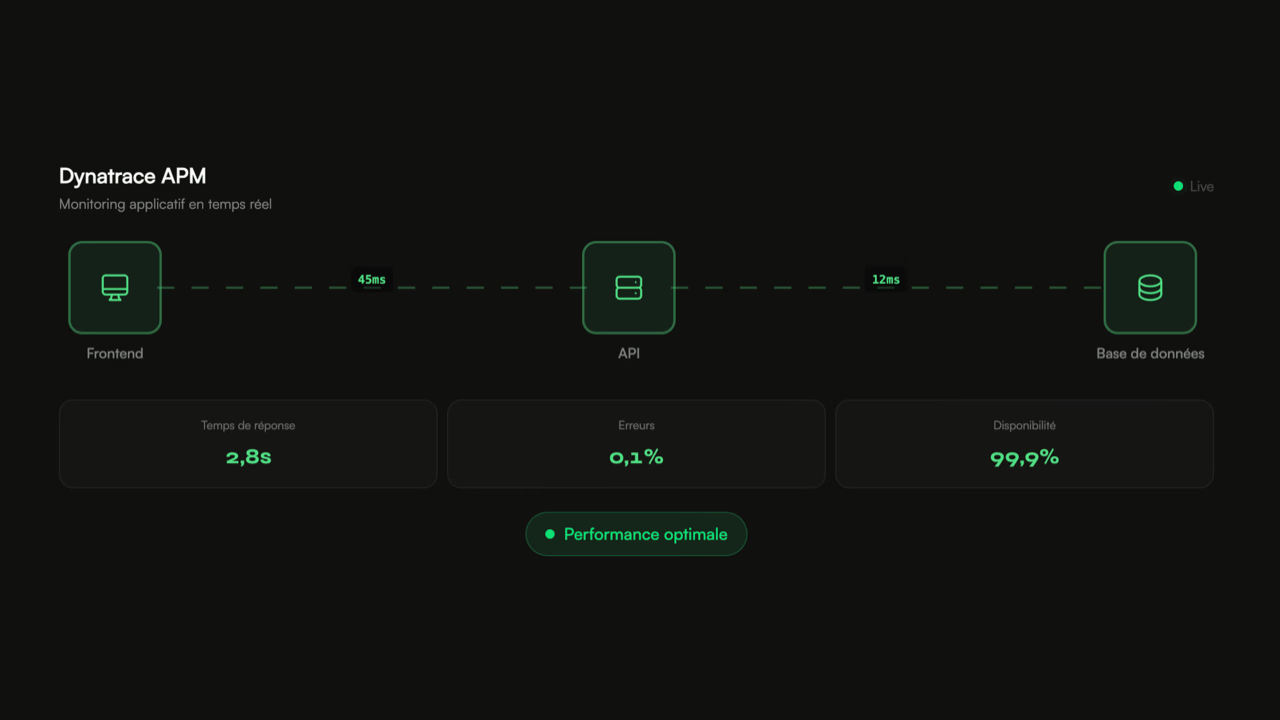
Dynatrace APM
Real-time application monitoring
Response time
12.0s
Errors
2.4%
Uptime
97.0%
Dynatrace, beyond monitoring
Dynatrace is not a typical monitoring tool. While a standard APM provides averages and latency graphs, Dynatrace traces each transaction end-to-end — from the click in the browser to the SQL query that took 3 seconds deep in the back-end. This level of detail makes it an investigative tool, not just a surveillance one.
I have been using Dynatrace daily since 2022 on production e-commerce environments. The main use case: understanding why a page or conversion funnel is slow, and identifying the exact cause among the dozens of services and dependencies involved in a request.
PurePaths and percentiles
The most valuable feature of Dynatrace is the PurePaths — the distributed tracing of each transaction. When a checkout takes 8 seconds, the PurePath shows the exact breakdown: 200 ms of server rendering, 3 seconds waiting on the payment API, 2 seconds of SQL queries, 1.5 seconds of synchronous ERP call.
A point often overlooked: averages lie. An average response time of 2 seconds can hide the fact that 5% of users are waiting 12 seconds. It is the high percentiles — P95, P99 — that reveal the real issues. Dynatrace allows filtering on these extreme cases and understanding what causes them.
Regression detection
On projects where I configure Dynatrace, automatic regression detection post-deployment is systematic. A deployment that adds 500 ms to the average response time is detected within minutes, often before the first support tickets arrive.
It's a safety net that many teams lack. Without this visibility, a performance regression can go unnoticed for weeks — drowned in the noise of monitoring or attributed to a temporary traffic spike.
External dependencies, a usual blind spot
A production e-commerce site rarely operates alone. Payment, ERP, search engine, stock management, headless CMS, recommendation service — it's not uncommon to count 15 to 20 calls to external services on a single page. Each with its own latency, timeouts, and outages.
Dynatrace measures the impact of each dependency and identifies when a third-party service degrades. On a recent project, analysis showed that a stock verification call normally took 50 ms but rose to 4 seconds during traffic peaks — a poorly configured timeout on the provider's side that no one noticed because the average remained acceptable.
Dynatrace is not a magic tool
Dynatrace provides visibility. It doesn't solve anything on its own. A poorly configured dashboard, with alerts that are too sensitive or not enough, only generates noise. The tool requires configuration time, business understanding, and especially someone who knows what to look for in the amount of data it produces.
Ready to boost your performance?
Data 2023-2025