Speculation Rules: prefetch and prerender for e-commerce
Speculation Rules allow the browser to preload pages before the click. Real-world feedback from Rayban and CHANEL with measured LCP gains.
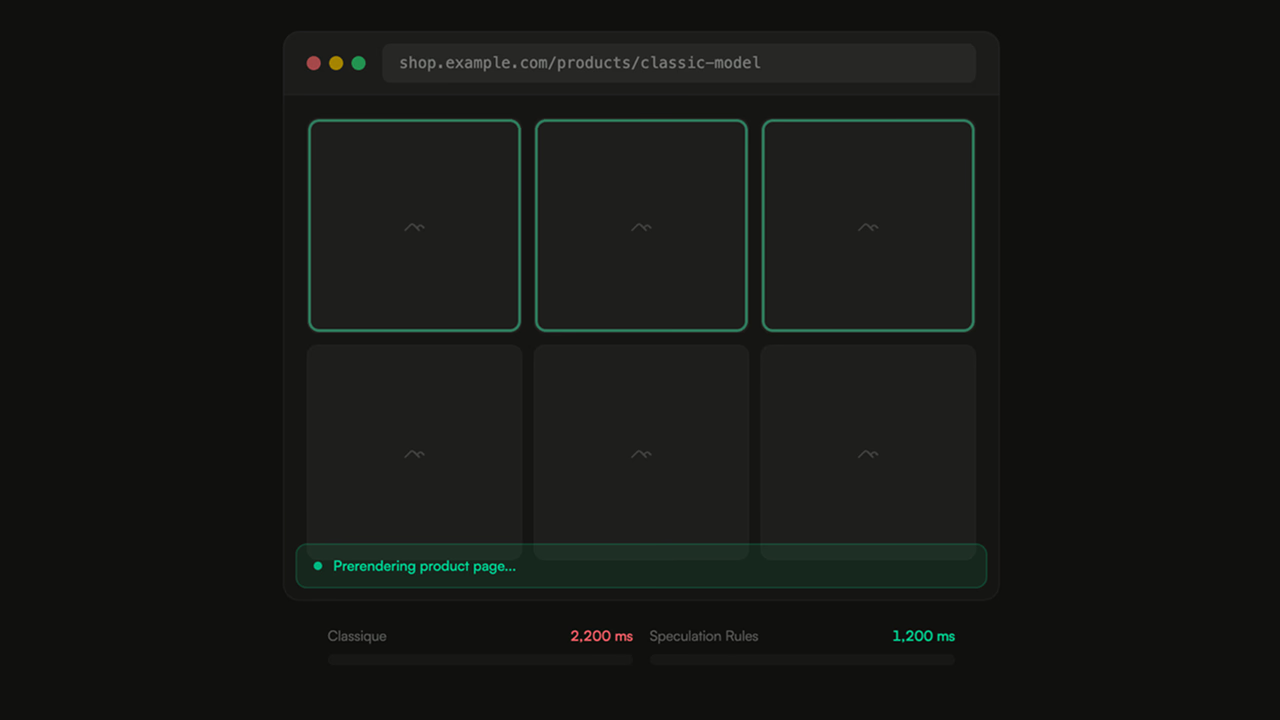
On an e-commerce site, clicking on a product page takes an average of 800 ms to 2 s before the first render. Speculation Rules can bring that time down to near zero – by preloading the page before the user even clicks.
The principle: anticipating the next click
Speculation Rules are a declarative API built into Chrome since version 121. They replace the old <link rel="prefetch"> with a more powerful and more controllable mechanism. Two levels of anticipation exist:
- Prefetch – downloads the HTML and critical sub-resources of the target page. Rendering happens on click.
- Prerender – goes further: the browser builds the complete DOM in the background. On click, the page appears instantly.
The implementation fits in a single JSON block inside a <script type="speculationrules"> tag:
<script type="speculationrules">
{
  "prerender": [
    { "where": { "selector_matches": ".product-card a" }, "eagerness": "moderate" }
  ]
}
</script>
The eagerness parameter controls the trigger: conservative waits for hover, moderate anticipates a little earlier, eager preloads immediately.
Rayban: one of the first to deploy in production
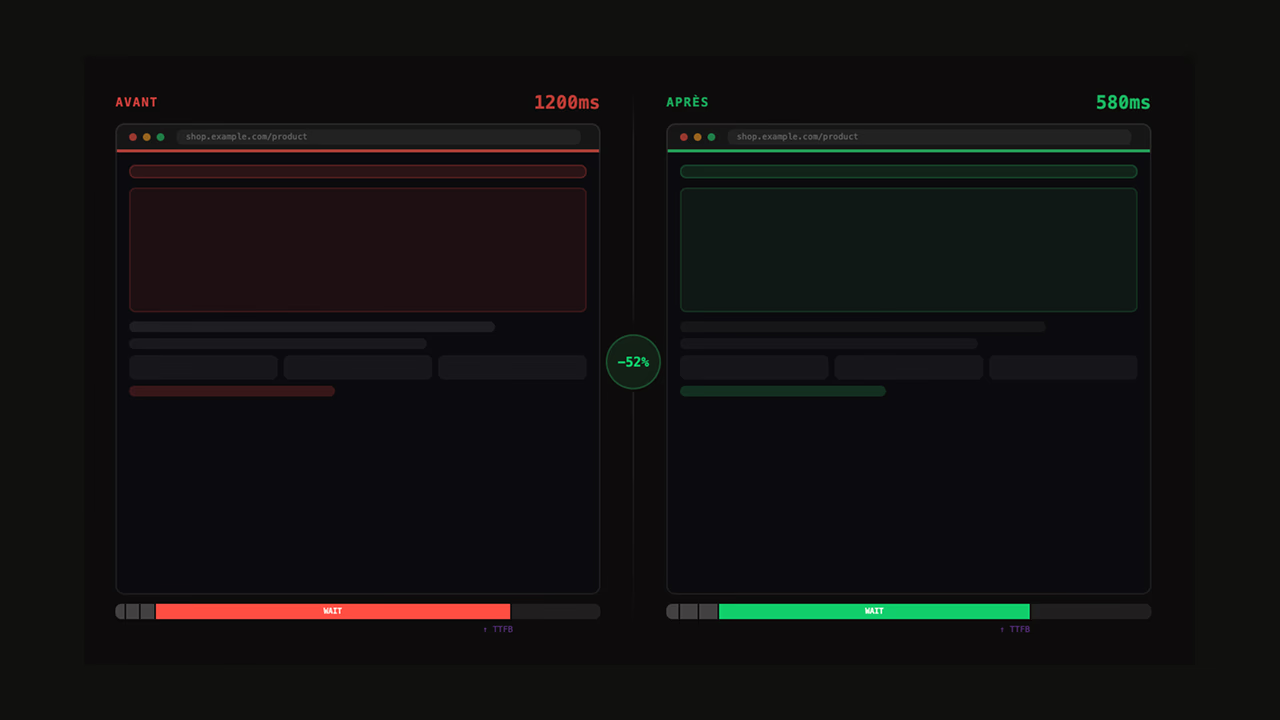
Rayban was among the first brands to integrate Speculation Rules on its PLPs. Their approach – targeting visible product card links within the viewport with eagerness: moderate. Result: PLP → PDP transitions drop below the 200 ms perceived LCP threshold, down from 1.2 s previously.
💡 The choice of
moderateis strategic. Aneageron a PLP with 48 products would trigger 48 simultaneous prerenders – a disaster for mobile bandwidth. Withmoderate, Chrome only preloads links that are hovered or close to the viewport.
What I implemented for CHANEL
At CHANEL, the context was different. The site is very visual, with heavy assets – high-resolution images, videos. A full prerender would have consumed too much bandwidth. We opted for a hybrid approach:
- Prefetch on PLPs for the first 6 visible product cards
- Prerender only in the mega menu – the entries that account for the largest share of navigation on certain paths.
⚠️ Never speculate on pages with user-dependent data (account, cart, checkout)
The measured real-world gain: –380 ms on the median LCP of the affected pages, and a measurable impact on conversions.
When do Speculation Rules deliver a real benefit?
Not all sites benefit equally. The cases where the gain is most significant:
- PLP → PDP with predictable product cards – the first 3 to 6 results capture the majority of clicks
- Mega menus pointing to key categories – the journey is highly predictable
- Editorial pages with CTAs pointing to fixed landing pages
- Internal search engine – prefetch of the first result
On the other hand, on a multi-step checkout or a product configurator, Speculation Rules bring nothing. The journey is linear and the next page depends on a server-side form.
Pitfalls to avoid
Prerender consumes memory and CPU. Chrome limits to 2 simultaneous prerenders in moderate mode, 10 in eager. Exceeding these limits does not trigger an error – older speculations are simply discarded.
- Never prerender a page with side effects (add to cart, conversion tracking)
- Monitor bandwidth impact via
PerformanceObserverwith thespeculation-rulestype - Test on slow 3G connections – a 500 KB prefetch on a limited network can slow down the current page
- Check compatibility: Chrome 121+ only. Safari and Firefox silently ignore the tag.
How to test Speculation Rules?
To verify that the rules are working correctly, Chrome DevTools provides rich detail.
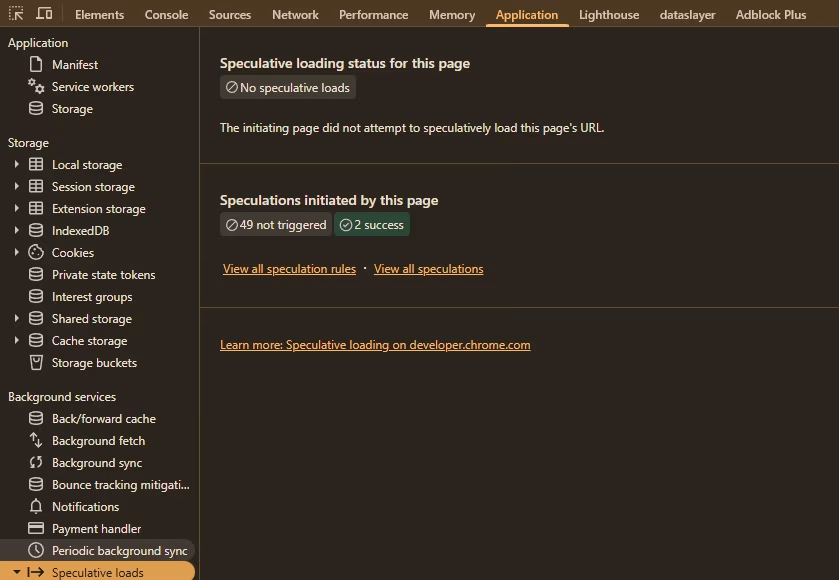
In the Application tab, it is possible to see all the rules defined for the current page. During a prefetch or preload, it is recorded in the tab dedicated to Speculative loads. It can be found under Application > Background services > Speculative loads.
Measuring the real impact
CrUX does not directly capture speculation gains (it is only possible to see what share of page views were preloaded) – LCP/FCP metrics are measured on the initial load, not on soft navigations. To measure the effect, you need to instrument on the RUM side:
performance.getEntriesByType("navigation").forEach(entry => { if (entry.activationStart > 0) { console.log("Page prerendered, activation delay:", entry.activationStart); } });
The activationStart property is non-zero when the page has been prerendered. It is the only reliable way to quantify how many navigations — and which ones — benefited from prerender.
Speculation Rules do not replace classic optimizations – a poor TTFB is still a poor TTFB, prerender or not. But on an already well-optimized site, they eliminate the last point of friction: the transition time between pages.