Bypassing Cookie Consent Banners in Lighthouse and WebPageTest
Cookie banners cause problems during performance testing. Find out how to bypass them to get reliable measurements.
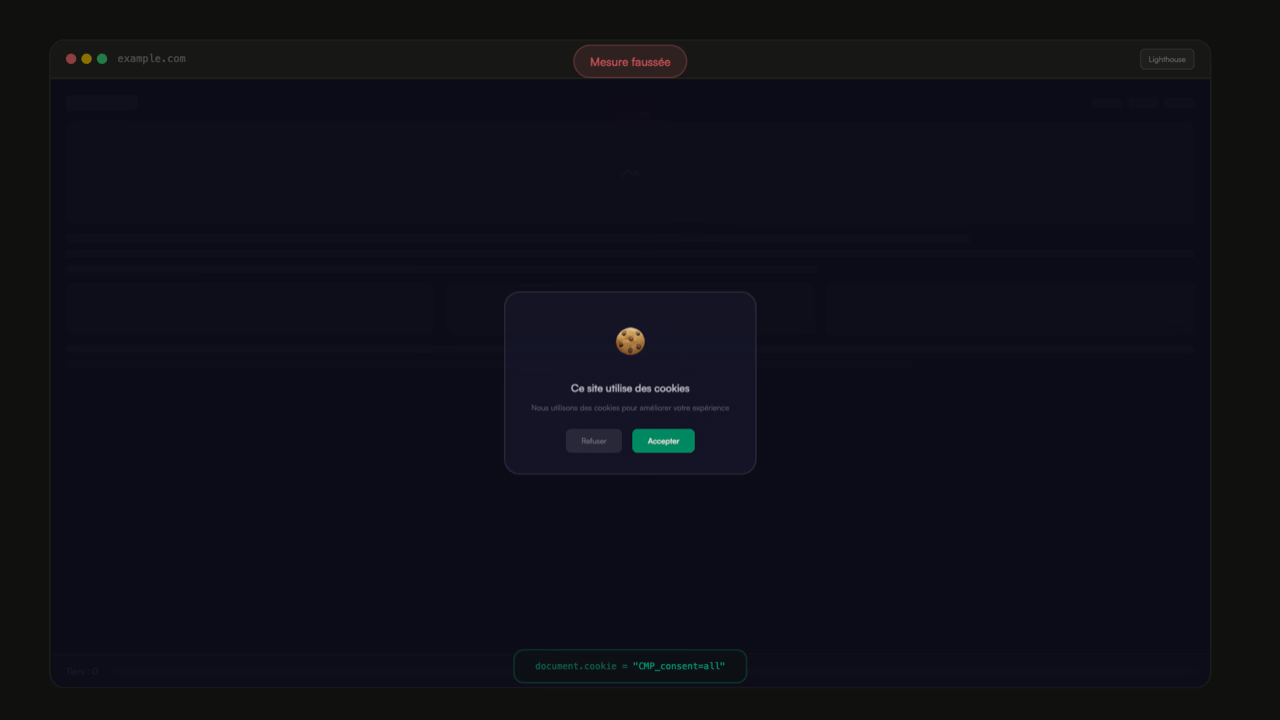
When it comes to testing pages using Lighthouse, WebPageTest, or other similar tools, cookie consent banners often cause problems.
Consent Management Platforms (CMP) can cause layout shifts (which contribute to CLS). On mobile, the banner is sometimes even detected as the main element for the Largest Contentful Paint (LCP), they visually obscure other parts of the page, and if properly implemented, only certain page resources will be loaded.
When analyzing sites, one of my first steps is to find a way to bypass these consent banners in order to get a more complete picture of page performance closer to that of real users.
This article covers some of the performance issues related to consent banners, how to bypass them, and the method to determine which cookies or localStorage items need to be set to bypass them.
The Challenges of Cookie Banners
Layout Shift, or CLS
Some banners appear at the top of the page, before the rest of the content. If the banner is inserted after the page has started rendering, all the initial page content will jump downward.
 In the twitch.tv filmstrip, a layout shift of 0.126 can be observed at around 4.0s, when the CMP is displayed.
To avoid this kind of issue, the banner code must be present in the initial DOM of the page, and the display condition must be evaluated before the initial render.
Another option to prevent these issues is to display the consent banner above the page content, in a modal that obscures the rest of the page and makes the user's choice mandatory to access the content. This approach also maximizes CMP click-through rates.
The Largest Contentful Paint, or LCP
On some pages, particularly on mobile, the cookie consent banner is detected as the LCP element. This type of behavior can seriously skew the performance figures for your site.
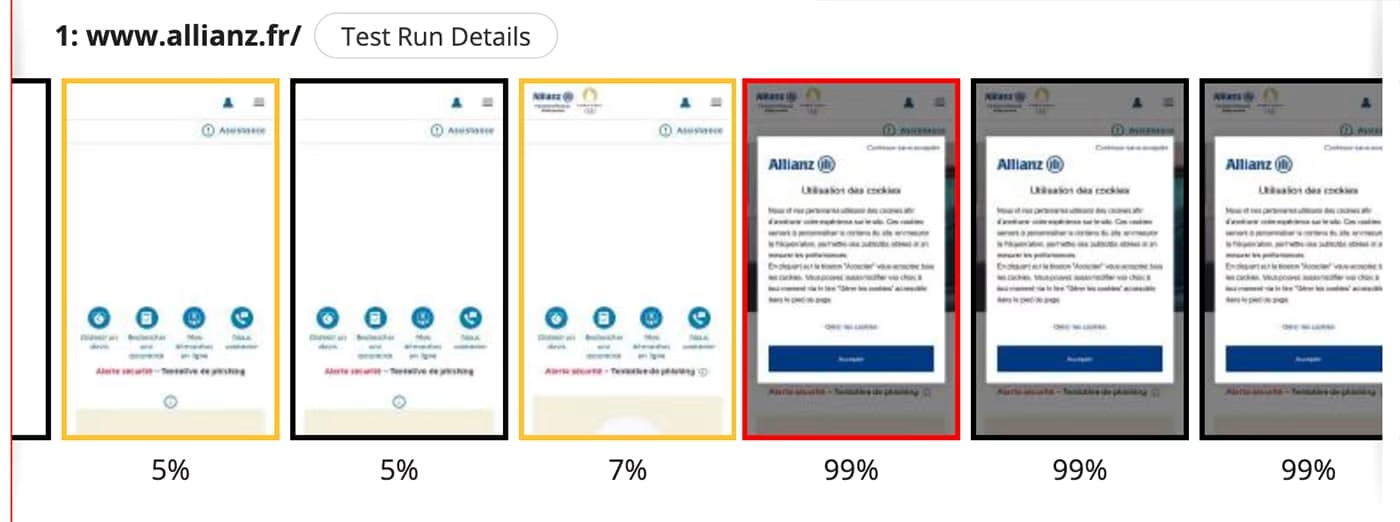 An example on the allianz.fr website using OneTrust, where the LCP (outlined in red) is triggered when the cookie banner appears.
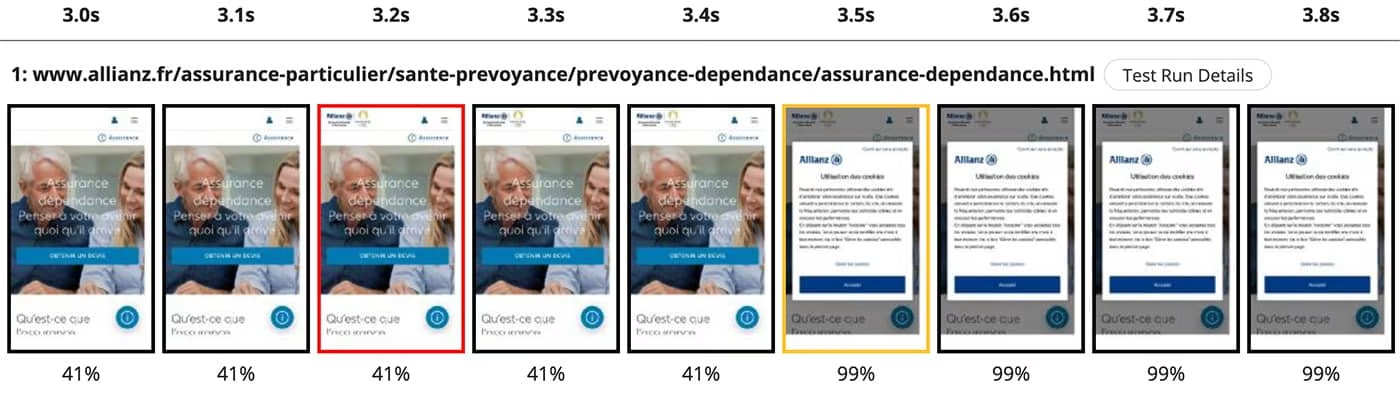
It is important to test different page templates. On some pages, the LCP is indeed the main image of the page, as shown in the previous screenshot.
INP Testing
Since the March 2024 update, Interaction to Next Paint (INP) is a Core Web Vital in its own right. When testing your INP with a tool like the DebugBear INP Tester, measurements can be misleading due to the absence of third-party scripts such as GTM or other analytics tools being activated.
💡 Under real site usage conditions (particularly when tracking sessions via Real User Monitoring), the LCP will only be detected on the CMP once, since it is only displayed on the first page view.
Partial Measurement
In European Union countries, correctly configured CMPs must prevent third-party resources from loading until the user has given their consent to the use of their data.
If you test page performance without accepting cookies, the measurement will not reflect the experience of users who do accept cookies on your website.
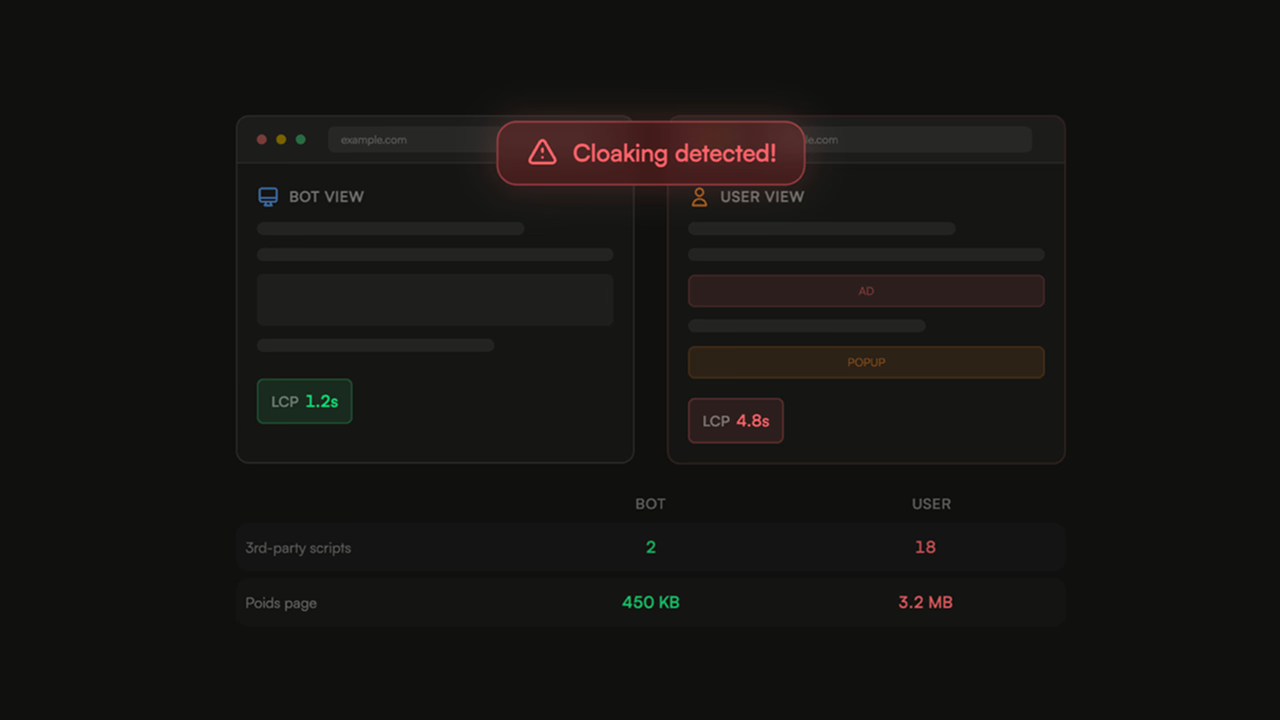
Indeed, third-party scripts affect website performance — at a minimum in terms of page weight — but they generally add JavaScript execution time (including long tasks), and sometimes layout shifts that negatively impact the web performance of your pages.
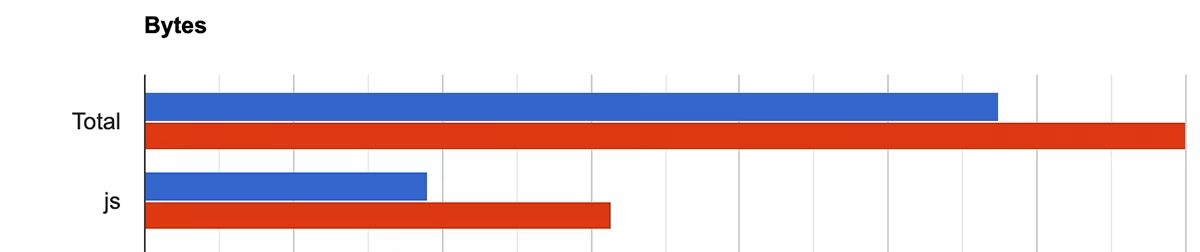 Comparison of page weight with and without accepted cookies on the Allianz website — the page is heavier after accepting cookies (in red)
 Comparison of web performance metrics with and without accepted cookies on the Allianz website — the numbers are worse with active cookies (in red). In these screenshots, it is clearly visible that both resource weight and web performance metrics are worse when third parties are injected.
How to Properly Test Web Performance Through a Cookie Banner?
To accept cookies by default, several approaches are available. For some CMPs, you can simply observe which cookies are added to the browser when cookies are accepted, and add them to your web performance testing tool.
⚠️ Some providers like Quantcast rely on other mechanisms such as localStorage to store user consent. In that case, you will need to create a script that simulates not only the addition of cookies but also the injection of data into localStorage.
Summary
Integrating a CMP on your site to comply with GDPR can have an impact on website performance. It is essential to carefully choose your provider based on various criteria, of which web performance should be one.
Once you have chosen your provider, make sure to implement methods that allow you to continue testing the real performance of your site by loading third-party scripts as they would be for a user who accepts cookies on your site.